Your forms, rebuilt by AI agents.
Upload a static PDF, smart XFA, Word file or scan and Unstackr's agents read the layout, recover the business rules locked inside it, and accelerates the move to a branded web and mobile app — wired to your data. Move form assets in bulk rather than one at a time.
Ingest anything. Get back clean data.
-
Any source, any format
PDFs, images, scans, emails, faxes, web and survey forms — structured or unstructured, single-column or complex nested tables. It all goes in.
-
Find the fields, check them
The extraction agent detects fields, labels and relationships even when layouts are inconsistent, then validates each value with checks.
-
Structured and ready
Clean, normalised, analytics-ready data flows straight into your databases and dashboards — searchable and integration-ready.
Point the agents at a legacy form. Get back a working app.
The conversion agent uses AI-driven automation to turn existing paper, PDF, image or Word-based forms into responsive, branded web and mobile applications — carrying the layout, logic and validation rules across with them, instead of asking a team to rebuild each one by hand.
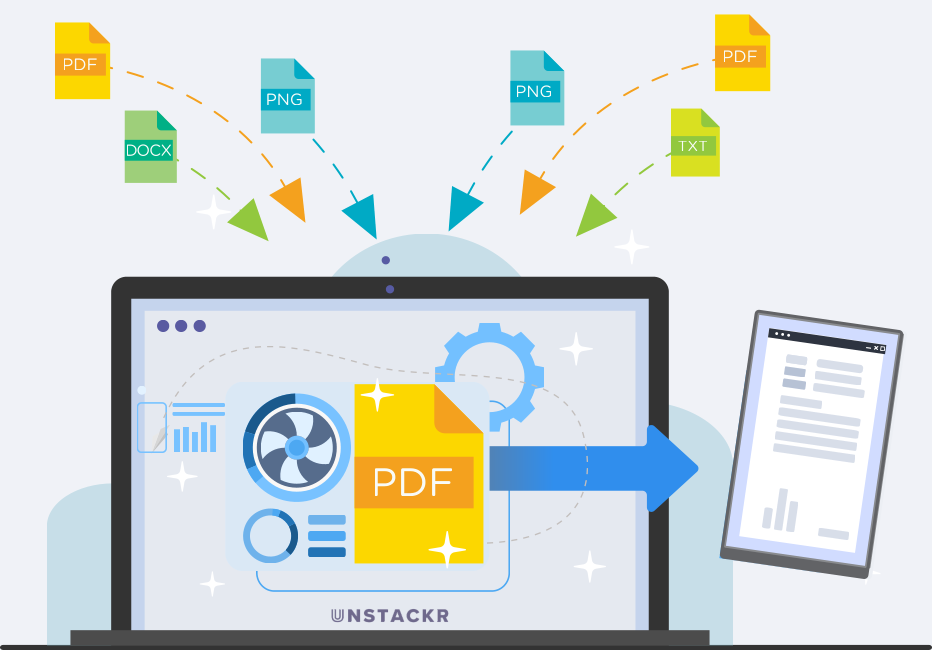
All your forms, converted at speed
Convert images, PDFs and Microsoft Office files into interactive, customisable applications in seconds — whether that is one critical form or thousands of legacy ones.
Supports static PDF, smart XFA, Word, Excel and image-based scans
AI interprets layout, fields and the form's original logic
No custom build or development for each form
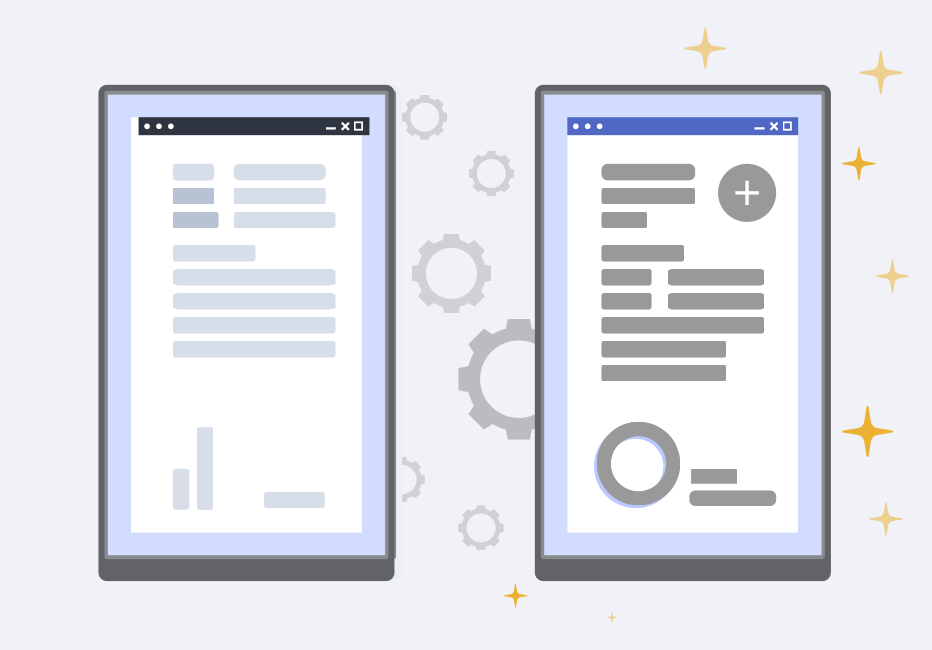
Controls placed automatically
The agent identifies which parts of the legacy form should become text boxes, buttons and checkboxes, then positions and sizes each control correctly — so the converted app matches the original without manual layout work.
Fields, buttons and checkboxes detected and placed
Controls sized and aligned to the source layout
Responsive by default, ready for web and mobile
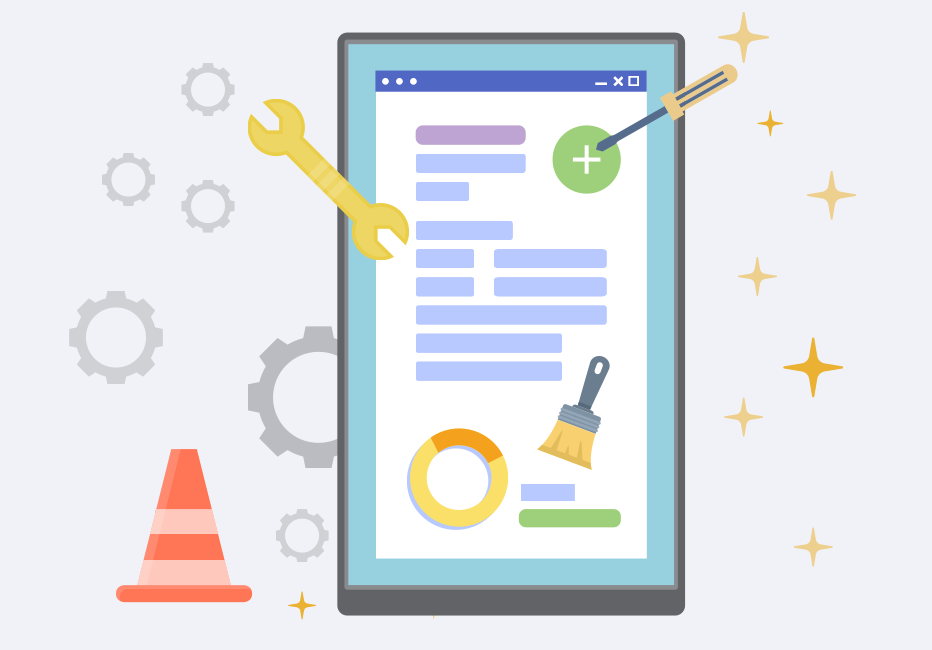
Business rules lifted out of the file
Calculations, validations and workflow logic buried inside legacy forms are extracted into shared libraries, recovered from the source, not retyped from screenshots, so they can be reused across applications and maintained in one place.
Business and validation rules extracted, not re-implemented
Stored as reusable libraries across your applications
Cuts duplication and long-term maintenance effort
Teach the agents your standards once. Apply them to everything.
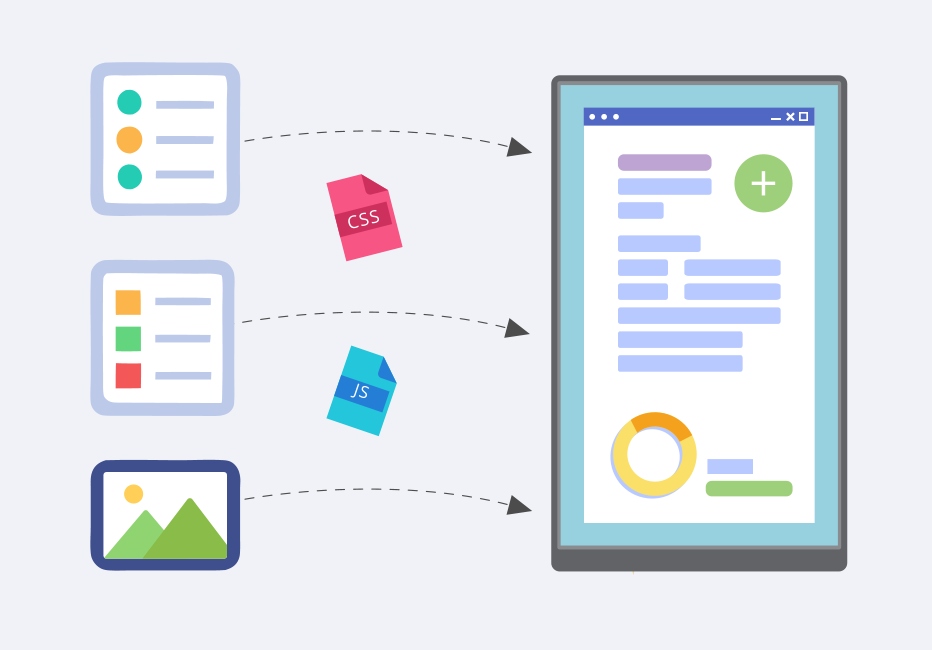
Your design standard, encoded
Build base templates from your corporate design standards, so every converted app inherits your look and behaviour from the first pass.
Upload your standard style sheets and images
Apply standards to inputs, checkboxes and accordions
Add required scripts from the standard library
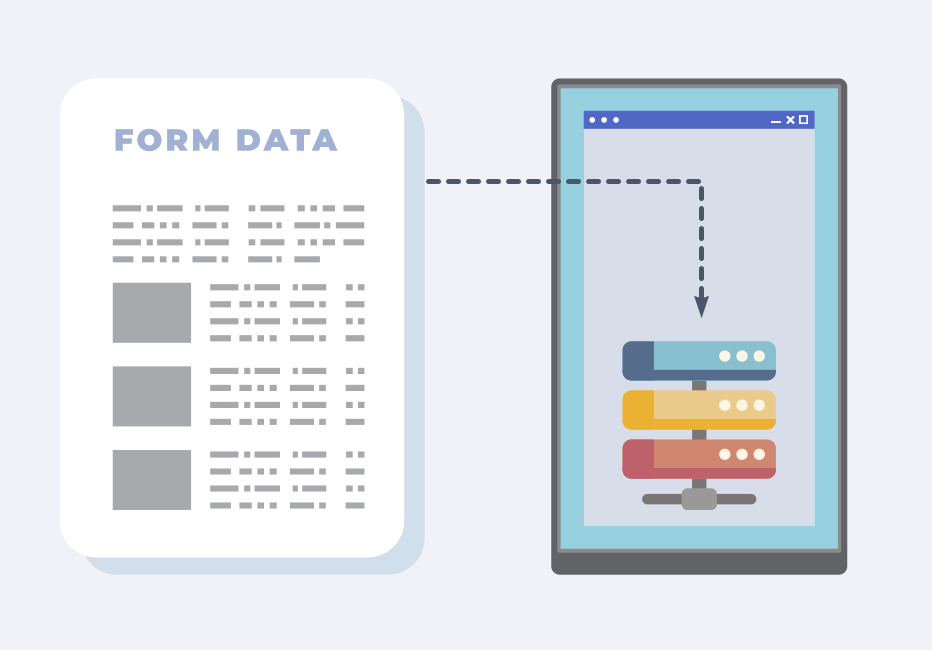
Source forms mapped to your controls
The mapping agent links every element of a sample form to the matching control in your base template, which lets one profile convert many forms.
Load the base template and your legacy form samples
Agent-driven mapping links source fields to template controls
Refine matches with additional, tunable conversion rules
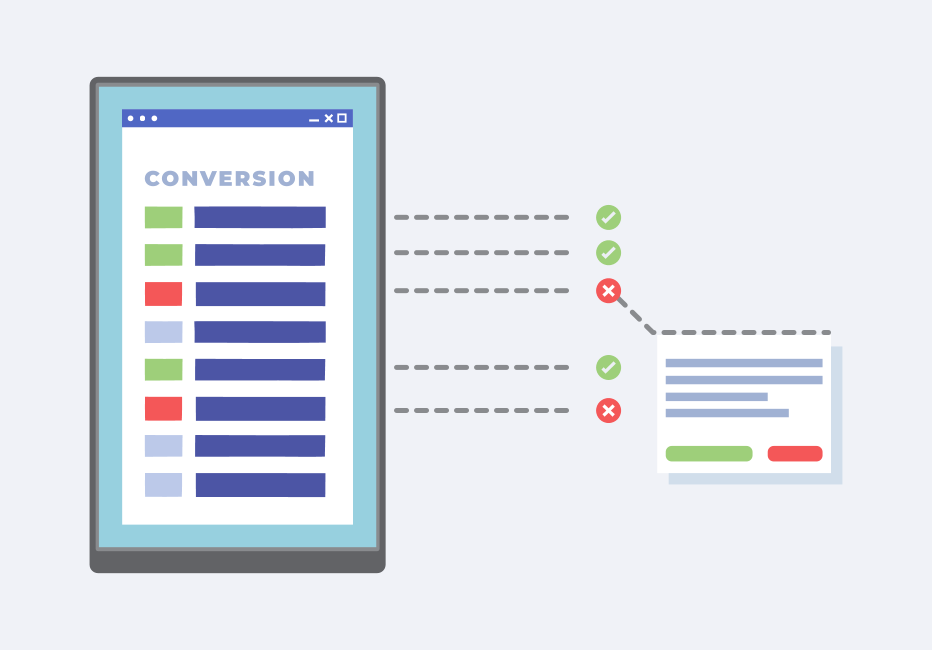
Different formats, one corporate standard
Select a profile, run the conversion, and forms in mixed formats come out matched to your standard — then hand off to the App Designer for any final refinement.
Pick a profile and run the conversion in one pass
Verify the result against the source
Refine the converted app in the designer
What the agents build, you can shape — no code required.
Every field, rule and mapping the agents produce lands as an editable object in a visual, low-code designer. Build from scratch or refine a converted app, add logic and branding, and let built-in AI suggest layouts, components and validation as you go.
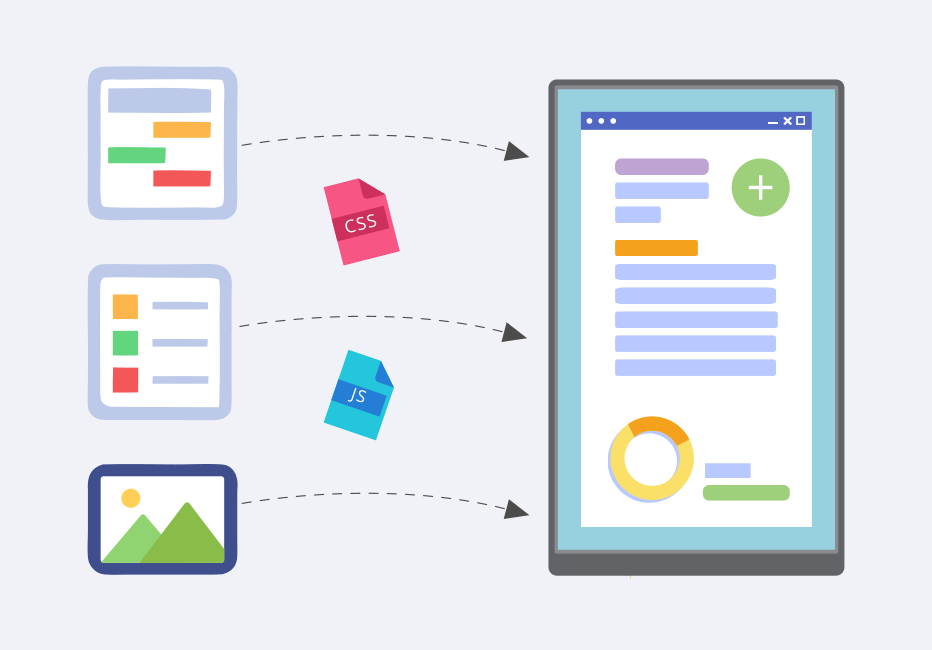
Powerful design surface
Build it from scratch.
A visual designer for adaptive, responsive and native apps — with AI on hand to generate page layouts, field components and suggested validation logic.
Edit text fields, buttons, checkboxes and images
Add signature capture, drawing tools and dynamic tables
AI suggests layouts, components and validation logic
The data doesn't stop at the form. It flows into your systems.
Define a connection once and reuse it across every form. Unstackr moves captured data to the repositories and services you choose — databases, cloud stores, document systems and third-party tools — so your forms operate as one connected environment rather than a set of islands.
Define a connection once
Each integration is configured a single time and reused across every form — managed centrally through one engine.
Push and pull, both directions
Move data to and from local databases, cloud stores and data lakes, or exchange XML and JSON through web-service APIs.
Real-time, cross-platform
Connect to leading tools so submissions, reporting pipelines and downstream systems stay in sync without manual re-keying.
Agents move fast. Your data stays governed.
Certified to ISO 27001:2022
Unstackr meets rigorous industry standards for data security and risk management, so the platform itself is held to an audited bar.
Encryption at all times
TLS 1.3 in transit, AES-256 at rest.
Your data goes where you choose
Route captured data to your own databases, cloud stores or data lake, self-hosted or SaaS, on AWS, Google Cloud or Azure.
Audience-level access control
Decide which elements each audience can see and who receives submissions, down to the individual form element.